
How it works
Built for quick, clear payments.
01
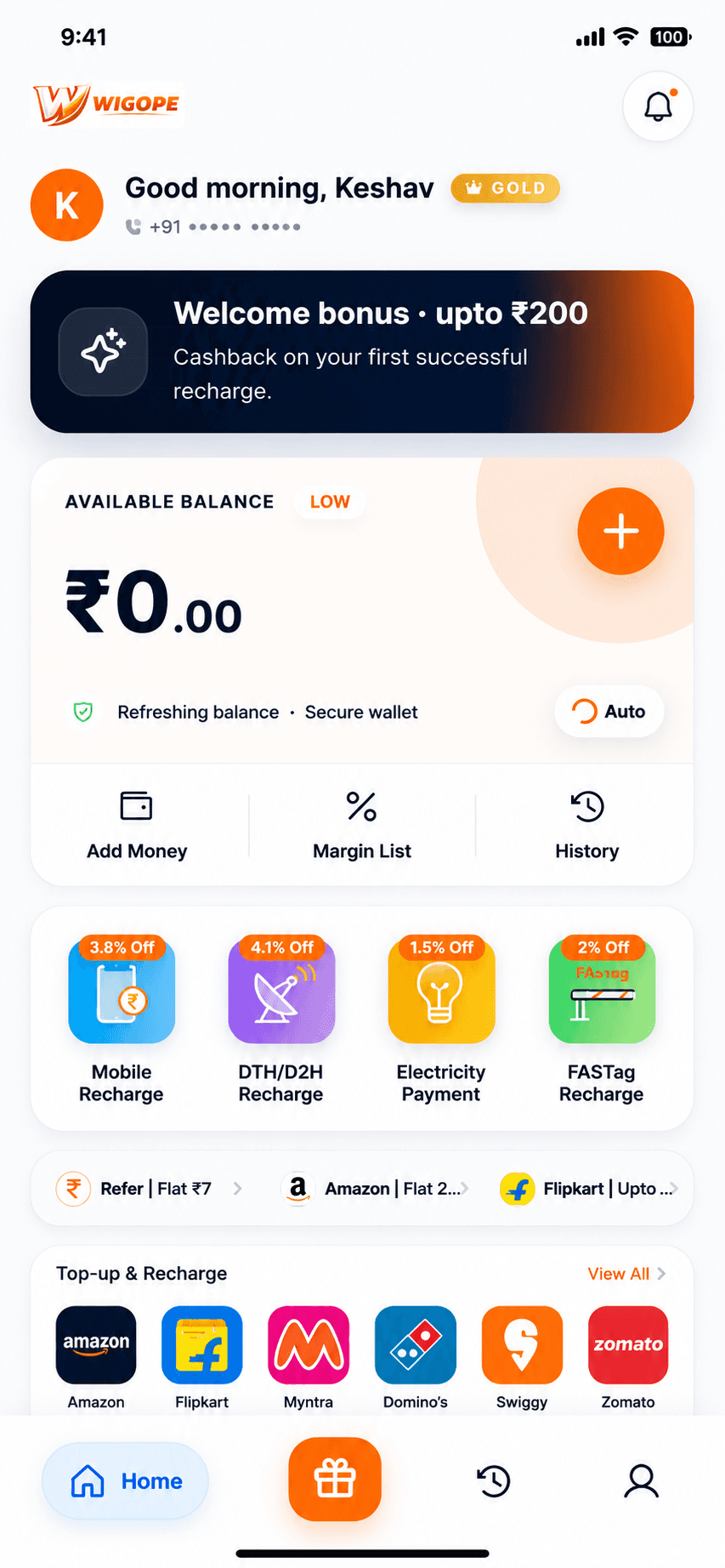
Open App
Install Wigope and select Loan EMI from the services screen.
02
Enter Details
Add the customer number, account ID or biller details requested.
03
Pay Securely
Use wallet or supported payment options inside the Android app.
04
Get Confirmation
Track status, rewards and receipts from the app history screen.
Finance billers
EMI references
Status tracking
Support escalation
Coverage
Supported brands and billers.
Availability can vary by provider status and campaign rules inside the app.
BA
Bajaj Finance
HD
HDFC Bank
TA
Tata Capital
ID
IDFC First
FAQ
Loan EMI questions.
Supported providers appear in-app and depend on live biller availability.
Get the app
Loan EMI starts with one download.
Download Wigope Recharge & Rewards to recharge, pay bills, track payments and discover rewards — all from one secure place.
- Mobile, DTH & FASTag recharge
- Electricity, water & utility bills
- Cashback, vouchers & referrals

Google Play se secure install · QR scan available
Scan to download